
Your WordPress images travel as a mosaic. Whoever steals them finds only shuffled tiles.
Bender is the plugin that protects your site's photos from scrapers, AI training bots, and outright theft — without touching SEO, speed, or the experience of your human visitors.
- GPL-2.0-or-later
- PHP 7.4+ · GD only, zero dependencies
- ~4 KB of CSS/JS
Every image you publish is already downloadable by anyone
Scrapers and mass bots
Scripts like wget or scrapy harvest every <img src> on your site in seconds, without you ever noticing.
AI model training
Dataset crawlers for generative models index images in bulk, often ignoring opt-out requests.
Hotlinking and direct theft
A plain hi-res URL in the HTML means anyone can link, reuse, or claim your work as their own.
How Bender works, in three steps
On upload (or from the Media Library), Bender automatically generates a mosaic version and a signed version of every image.
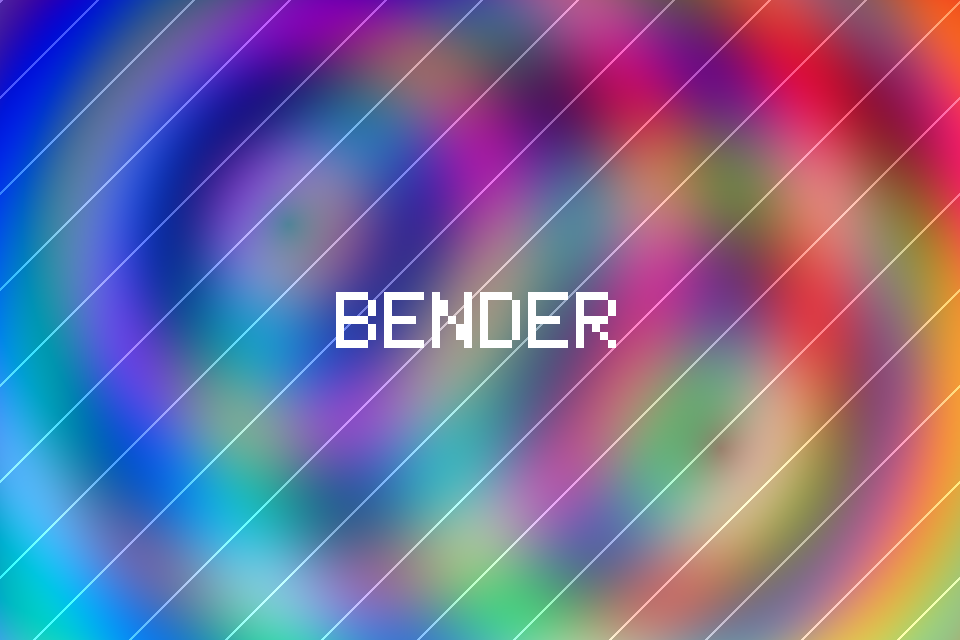
1. Original image
The file uploaded to the Media Library, at full resolution, exactly as you uploaded it.
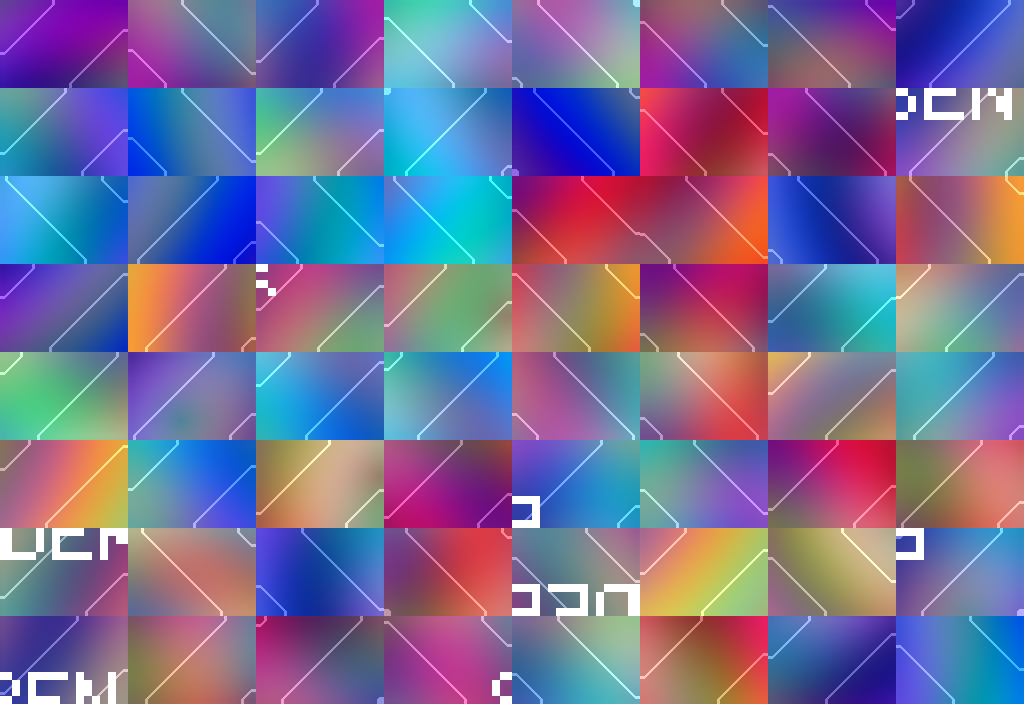
2. Mosaic atlas
An N×N grid permuted and flipped via HMAC-SHA256 → Fisher-Yates with a per-image secret key. A single CDN-cacheable file, unreadable if downloaded as-is.

3. Signed low-res
Visible diagonal watermark, copyright IPTC read by Google Images, and, in Pro, an invisible forensic signature via LSB steganography.
In the browser, bender waits for the image to enter the viewport, downloads the atlas, requests the reconstruction map from its own REST endpoint with a time-limited HMAC token, and reassembles the mosaic on a <canvas> with a cross-fade over the blurred low-res (blur-up effect, LCP-friendly). Without JavaScript, the sharp, signed low-res stays visible: never a broken image.
What it actually blocks (and what it doesn't, honestly)
| Attack | Outcome | Why |
|---|---|---|
| HTML scraper / mass bot | ✅ Blocked | the HTML only contains the watermarked low-res |
| Right-click → Save image | ✅ Blocked | the canvas isn't a file; context menu and drag are disabled |
| Hi-res hotlinking | ✅ Blocked | no plain hi-res URL exists; the hotlinked atlas is a mosaic |
| Downloading the atlas | ✅ Useless | permuted and flipped tiles: manual reassembly is impractical |
| Map enumeration via REST | ✅ Mitigated | time-limited HMAC token, per-IP rate limiting |
| Screenshot (human or headless browser) | ❌ Not blockable | whatever the screen shows can be captured, with any technology |
That's why Bender always signs, not just hides: visible watermarking, IPTC, and LSB forensic signing make authorship provable even when a copy slips through. Technical protection raises the cost of theft; the signature makes it prosecutable.
The benefits, even without "absolute security"
SEO intact, actually improved
The low-res version is a real <img> tag with alt text, indexed by Google Images, with IPTC metadata enabling the "Licensable" badge.
Performance
A single atlas file per image, lazy-loading via IntersectionObserver, blur-up with no layout shift, CSS/JS ~4 KB with zero dependencies.
Clean social previews
Open Graph and Pinterest show the signed low-res: every share becomes advertising with your name on it.
Total fallback
Without JavaScript or on a network error, the sharp watermarked low-res stays visible. Never a broken image.
Free on WordPress.org, Pro when you need more
Bender Free
$0
- Base tiling grid
- Visible diagonal watermark
- IPTC copyright metadata
- Automatic protection on new uploads
- WooCommerce: product images, gallery zoom and thumbnails protected
Easy to install
Recommended
Bender Pro
$9.99 / site
- Everything in Free
- Invisible forensic watermark (LSB steganography)
- Bulk protection across the whole media library
- Denser tiling grids
- Full WooCommerce coverage: variation images, schema.org, Store API and block themes
- Users support 📧
Better protection
WooCommerce
WooCommerce prints the original file URL in four places that are not <img> tags, so until now they slipped past the protection. Free closes the first one, Pro closes all four.
| WooCommerce | Free | Pro |
|---|---|---|
| Product images (featured, gallery, description) | ✅ protected | ✅ protected |
| Gallery zoom link and thumbnails | ✅ serve the protected copy | ✅ serve the protected copy |
| Variation images (variable products) | — | ✅ protected, mosaic rebuilds when the variant changes |
| schema.org structured data | — | ✅ points at the protected copy |
| Store API and block themes (in-page state + public endpoint) | — | ✅ cleaned |
Frequently asked questions
Bender is a WordPress plugin that protects images from theft: it breaks them into an unreadable mosaic for scrapers and bots, shows visitors a live canvas reconstruction, and serves search engines a signed low-res version with a watermark and IPTC copyright metadata.
It blocks automated scrapers, hotlinking, and right-click 'Save image', because the HTML never contains a plain hi-res URL: there's only a mosaic atlas, useless without the reconstruction map protected by an HMAC token. It cannot prevent a screenshot, because no web technology can — that's why every image is still signed with a visible watermark, IPTC metadata, and forensic LSB steganography.
In some hosting setups, no: if the mosaic atlas happens to be served from a separate domain without CORS headers, the browser blocks these methods outright. But this depends entirely on hosting configuration that Bender doesn't control, and on a typical single-domain WordPress install it isn't in effect — so treat it as a possible bonus, not a guarantee. That's exactly why every image stays signed regardless: visible watermark, IPTC metadata, and, in Pro, invisible forensic steganography keep authorship provable even if a full extraction succeeds.
No — SEO stays intact, and actually improves. The low-res version is a real <img> tag with alt text, indexable by Google Images, with IPTC metadata enabling the ‘Licensable’ badge. Performance stays light thanks to a single atlas file per image, lazy-loading via IntersectionObserver, and blur-up with no layout shift; CSS and JS together weigh about 4 KB with zero dependencies.
They always see the sharp, watermarked low-res version: there's never a broken image. High-resolution canvas reconstruction only happens if JavaScript is active.
Bender Free includes a base tiling grid, visible watermark, and IPTC metadata. Bender Pro ($9.99) adds invisible forensic watermarking via LSB steganography, bulk protection across the entire media library, denser tiling grids, and priority support.
Yes: just align the token validity duration (24 hours by default) with your page cache duration, so tokens in cached pages stay valid until they expire.
No — it only requires PHP 7.4 or higher with the GD extension, which is standard on any WordPress hosting.
Protect your next image in under 5 minutes
Install Bender, turn on automatic protection, and keep uploading photos exactly as you always have.
Start for free